How do you Complete a Home Sleep Test?
Completing a Home Sleep Test
is as easy as 1, 2, 3, 4, 5
Download the WatchPAT app on your phone and follow the steps to connect your device.
Note: Disregard steps for applying the chest sensor. The GEM device does not include a chest sensor.
When prompted for a pin number, enter the last 4 digits of the phone number used to create your GEM account.
When you are ready to go to sleep, press ‘Start’ in the app.
Pro tip: Before starting, remove any jewelry, artificial nails, and/or nail polish. The probe can be worn on any finger except for the thumb.
Get Your ZZZs!
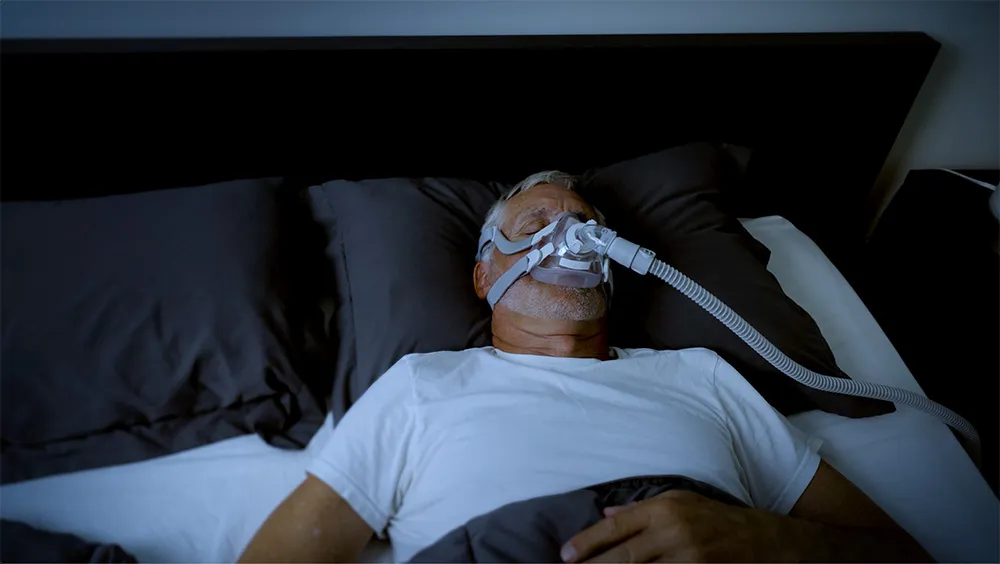
Pro tip: Do not wear a CPAP or oral appliance during the test, unless instructed to do so by your provider.
When you wake up, end the recording. Your results will automatically be sent to a GEM clinician.
Need to order a Home Sleep Test?
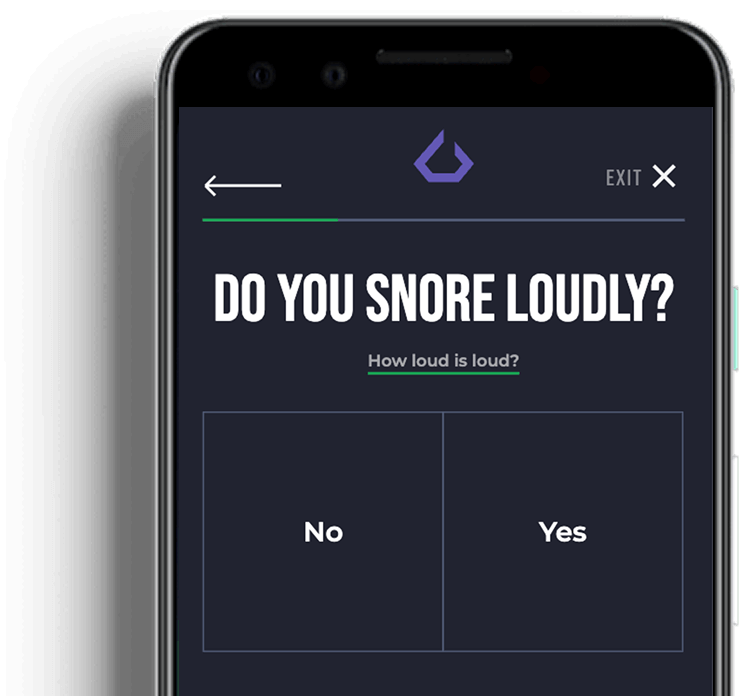
Get started today by answering a few questions and creating a GEM SLEEP account.
Follow these simple steps to set-up your Home Sleep Test.
- Use your smartphone to download the WatchPAT app from the App Store or Google Play.
- Open the app and accept all permissions when prompted.
- Remove the WatchPAT ONE from the box and press the “ready” button in the app to begin a brief tour of the device.
- Place the included AA battery in the device. A green light will blink when WatchPAT ONE powers on.
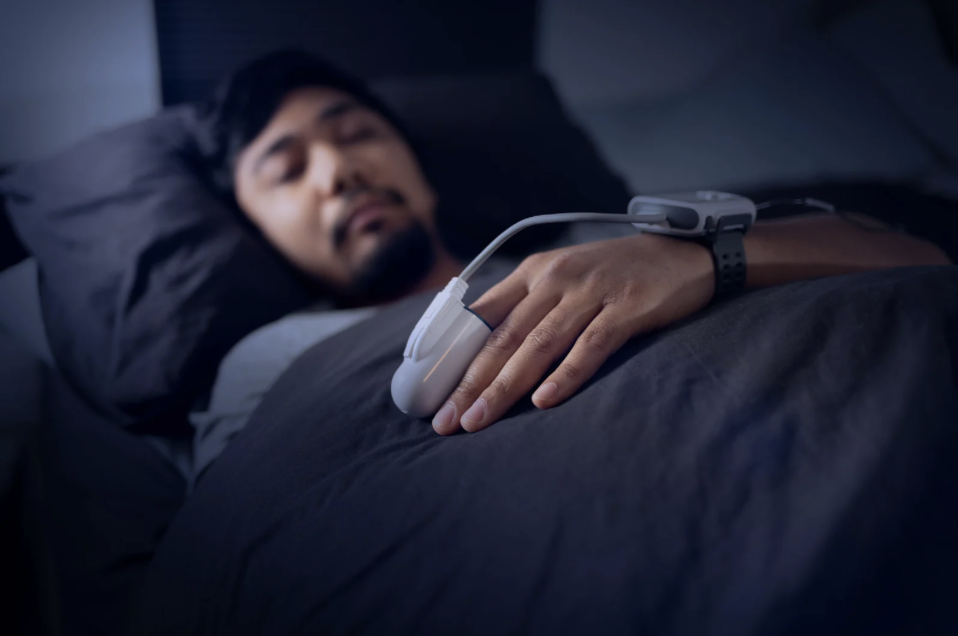
- Prepare your non-dominant hand for the device by washing away hand lotion, clipping long fingernails, and taking off any rings, watches, or accessories you may be wearing.
- Press “next” in the app and enter your 4-digit pin number. (*Devices are set-up specifically for the purchasing patient, the device should not be used by someone else)
- Fasten the WatchPAT ONE strap around the wrist of your non-dominant hand, going for a comfortably snug fit.
- Slide the finger probe all the way onto any of your fingers (except your thumb) on your non-dominant hand. The “TOP” sticker on the probe should be directly above your fingernail. With the probe in position, hold it against a hard surface and gently remove the TOP tab. (Ignore any instructions referring to a chest sensor. Our tests use pulse oximetry finger probes to detect sleep apnea through your pulse and blood oxygen levels.)
- Before you sleep for the night, plug in your phone and keep it no more than 15 feet away from the WatchPAT ONE device. To avoid interference, turn off any other transmitting devices, such as cell phones, smart watches, or other bluetooth-enabled technology.
- Press “start” to begin your sleep study. Reminder your phone MUST be plugged in all night while testing.
- In the morning, press “end recording.” After a few minutes, the app will notify you when it has received all of the data from the WatchPAT ONE. You will also receive an email from GEM SLEEP when your results have been received.
- Once you’ve been notified, close the application and dispose of the device. You may either print a FREE return label (https://www.itamar-medical.com/greenprogram/)and ship the device back to be recycled or you can throw it away. This device is a one time use.
- Within 5-7 business days a GEM SLEEP provider will review your results and provide you with the outcomes of your sleep test, as well as, a treatment recommendation.
WatchPAT is an innovative Home Sleep Test that uses sophisticated sensors to provide a comprehensive sleep test report without leaving the comfort of your own bedroom. A small wrist-mounted device, WatchPAT is easy to operate, with fast and accurate results. WatchPAT has been proven to provide equivalent results to in-lab tests.
- Remove any nail polish or artificial nails prior to placing the finger probe on. For best results, nails should be cut short.
- Place the watch on your non-dominant hand.
- The probe can be worn on any finger except for your thumb.
- Be sure to put your finger all the way into the probe. It will feel tight.
- We recommend a minimum of 4 hours of sleep data for a valid test.
Your 4- digit WatchPat PIN number is the LAST 4 DIGITS of the phone number you used when creating your GEM SLEEP account.
Watch this brief video which will walk you through the steps on how to complete your set-up and submit your test after just ONE night of sleep.
*Please note that the video includes a ‘snoring and body position sensor’, the version of WatchPAT that GEM SLEEP provides does not have this. You will still get the same lab quality results using the watch + finger pulse indicator.